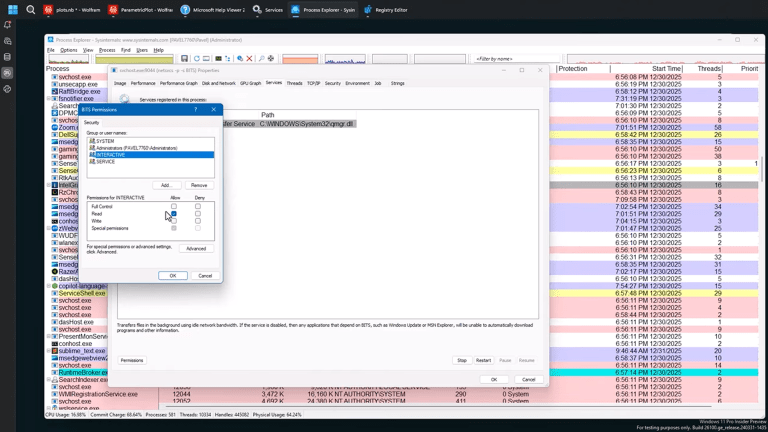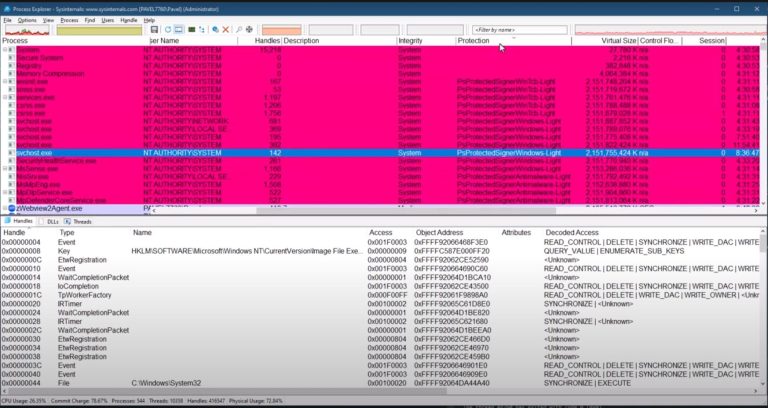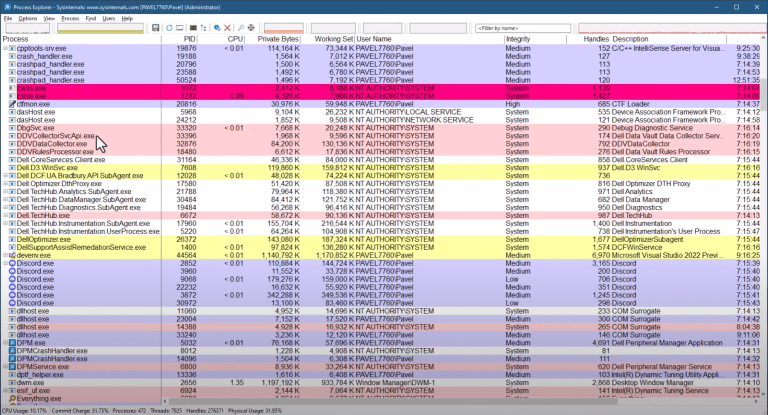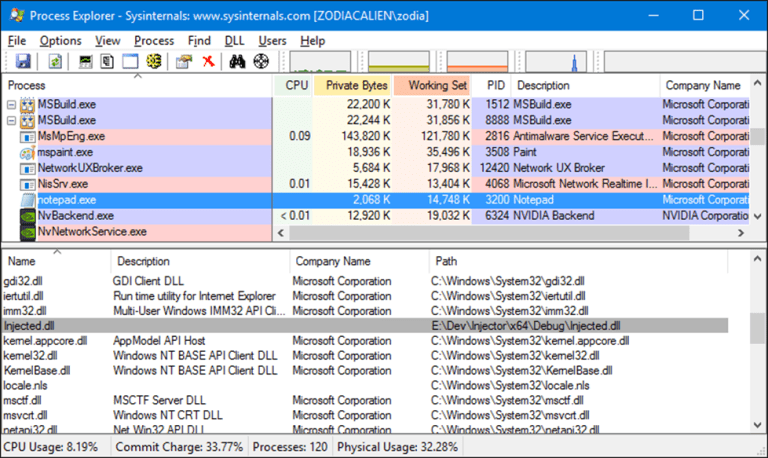

In the previous video I showed how to hide a Windows service using Process Explorer: a few clicks, deny read access to Administrators, and the service disappears from Services.msc and sc query.
A reasonable follow-up question is: how do you do the same thing programmatically?
This post shows one way to do it in C++ using the Windows security APIs. It’s not “hard,” but it is easy to get lost if you haven’t worked with security descriptors and ACLs before. The key is understanding what you’re modifying and what format it’s in.
What We Are Actually Changing
A service has a security descriptor that controls who can do what with it. For our purposes, the important part is the DACL (Discretionary Access Control List).
The DACL contains ACEs (Access Control Entries). Each ACE is essentially:
- Allow or deny
- Which user/group (SID)
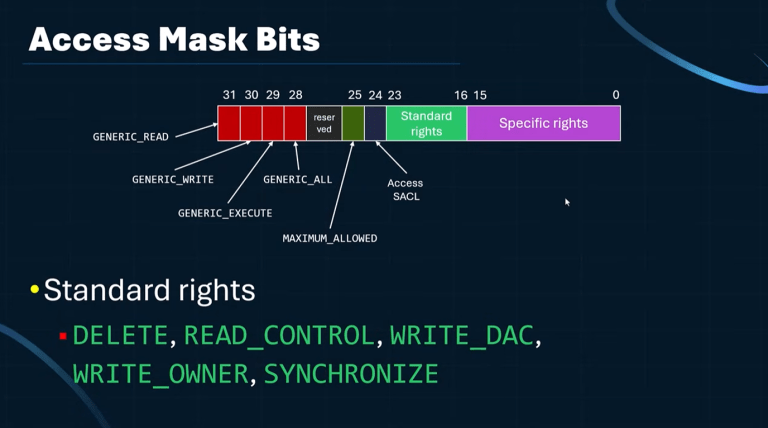
- Which access mask (rights)
To “hide” a service from standard enumeration, we deny the relevant “read/query” access to the principal doing the enumeration (for example, Administrators). The service can still exist and run; we’re just making it harder to query through the Service Control Manager (SCM) APIs.
First: Observe What The UI Does
If you want to reverse engineer what a tool is doing, start with Process Monitor.
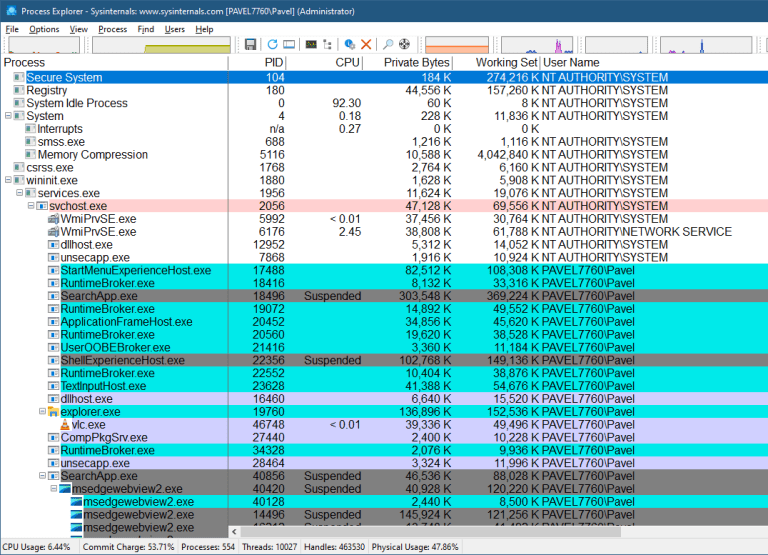
When you change service permissions in Process Explorer, the actual change is not done by Process Explorer itself. The change is performed through the SCM, and you’ll see activity involving the service configuration in the registry.
You’ll find a key like:
HKLM\SYSTEM\CurrentControlSet\Services\<ServiceName>\Security
…and a value (often also named “Security”) that contains a binary blob. That blob is a security descriptor (it can be represented as SDDL text, but it’s stored as binary).
Important detail: editing the registry directly is not enough for immediate effect. The SCM does not necessarily re-read that value on every change. If you only edit the registry, the change may not apply until reboot. If you want it to take effect immediately, use the service security APIs.
The APIs We Need
Core service/security calls:
OpenSCManagerOpenServiceQueryServiceObjectSecuritySetServiceObjectSecurity
Supporting security calls:
ConvertSecurityDescriptorToStringSecurityDescriptor(optional, for visibility/debugging)CreateWellKnownSid(for the Administrators SID)GetSecurityDescriptorDaclSetEntriesInAcl(build a new DACL that can grow)MakeAbsoluteSD(convert from self-relative to absolute)SetSecurityDescriptorDacl
Step 1: Open The SCM And The Service
Typical flow:
OpenSCManager(nullptr, nullptr, SC_MANAGER_ALL_ACCESS)OpenService(hScm, serviceName, SERVICE_ALL_ACCESS)
In theory you can request a smaller access mask. In practice, when you’re building/testing, using SERVICE_ALL_ACCESS avoids “access denied” surprises while you’re still wiring everything up.
Step 2: Query The Service Security Descriptor
Call QueryServiceObjectSecurity requesting DACL_SECURITY_INFORMATION.
You’ll typically call it once with a small/NULL buffer to get the required size, then allocate and call again.
At this point it’s useful to convert what you got to SDDL text, just so you can see what you’re working with. Use ConvertSecurityDescriptorToStringSecurityDescriptor. Remember to free the returned string with LocalFree.
Also: save a recovery path before you experiment. One simple option is:
sc sdshow <service>to capture the current SDDLsc sdset <service> <sddl>to restore it later
Do this in a VM if you can. Deny ACEs can lock you out in annoying ways.
Step 3: Get The Administrators SID
Use CreateWellKnownSid(WinBuiltinAdministratorsSid, ...).
SIDs are variable length, so either size properly or just allocate a buffer of SECURITY_MAX_SID_SIZE and pass its size in/out.
Step 4: Why “AddAccessDeniedAce” Fails
The obvious approach is:
- get the existing DACL via
GetSecurityDescriptorDacl - call
AddAccessDeniedAceto add a deny ACE (forGENERIC_READagainst Administrators)
This often fails with an error about allotted space / security information. That’s because the security descriptor returned by QueryServiceObjectSecurity is typically in self-relative form: a compact blob with offsets, not pointers, and there’s no spare room to grow the DACL inside that blob.
So you need to build a new DACL rather than trying to extend the existing one in-place.



Step 5: Build A New DACL With SetEntriesInAcl
Use SetEntriesInAcl with a single EXPLICIT_ACCESS entry:
- Access mode:
DENY_ACCESS - Access permissions:
GENERIC_READ(good enough for the demo) - Trustee: the Administrators SID
SetEntriesInAcl returns an error code directly. If it fails, don’t waste time with GetLastError—use the returned error. If it succeeds, you now have newDacl that contains the original entries plus your new deny ACE.
You’ll typically free that allocated ACL later with LocalFree.
Step 6: Attach The New DACL (And Why It Fails Again)
You might think you can just call:
SetSecurityDescriptorDacl(sd, TRUE, newDacl, FALSE)
…and then SetServiceObjectSecurity.
But this can fail with Invalid security descriptor. The reason is the same theme: the original descriptor is self-relative, and you’re trying to attach pointers/structures in a way that doesn’t match the format.
The fix is to convert to absolute form first.
Step 7: Convert To Absolute With MakeAbsoluteSD
Use MakeAbsoluteSD to convert the descriptor from self-relative to absolute.
Absolute descriptors contain pointers to their components (owner, group, DACL, SACL). Once you have an absolute descriptor, attaching a new DACL works as expected.
So:
- Convert to absolute (
MakeAbsoluteSD) - Attach the DACL (
SetSecurityDescriptorDacl) - Apply to the service (
SetServiceObjectSecurity)
If everything worked, you’ll see the effect immediately: the service disappears from enumeration for callers that no longer have query/read access.ear” from Services.msc and sc query for callers that no longer have the needed query rights.

Cleanup Notes
In real code, don’t forget to close handles and free allocations:
CloseServiceHandlefor service/SCM handlesLocalFreefor SDDL strings returned by conversion APIsLocalFreefor ACLs allocated bySetEntriesInAcl
For a short-lived demo program, the process exit will clean up memory, but it’s still good practice to do it properly.
Why This Matters For TrainSec Students
This is a practical lesson in how Windows visibility depends on API paths and security descriptors, not just “what exists on disk.”
- Services.msc and
sc.exeenumerate services through the SCM and enforce the service DACL. If you can’t query it, it may not appear in your list at all. - Registry-based tools can still see the service configuration because they enumerate via a different path.
If you’re doing DFIR, threat hunting, or systems triage, the takeaway is simple: when tools disagree, don’t stop at “it isn’t there.” Ask which path the tool is using (SCM vs registry), and check the security descriptor when enumeration results don’t make sense.
For builders and researchers, this is also a good reminder that Windows security APIs can be unforgiving: self-relative vs absolute formats matter, and “I can’t append an ACE” often means “this structure can’t grow in-place,” not that the idea is wrong.
Keep Learning with TrainSec
This content is part of the free TrainSec Knowledge Library, where students can deepen their understanding of Windows internals, malware analysis, and reverse engineering. Subscribe for free and continue learning with us:
https://trainsec.net/library