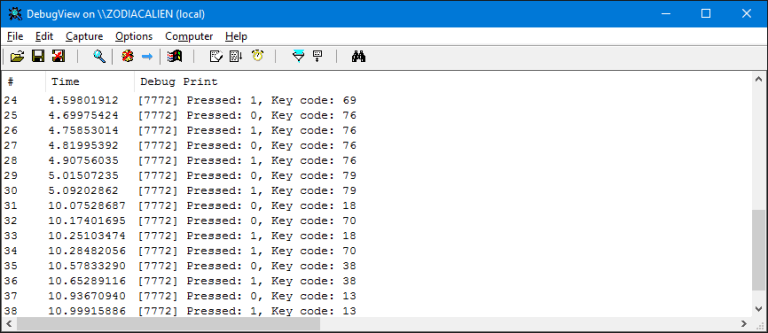

Process hollowing is usually described as creating a process in a suspended state, removing its original executable image, and replacing it with a different one. From the outside, the process appears normal, but the code running inside is not what you expect.
In this article, I explore a slightly different idea.
Instead of unmapping the original executable, we leave it in place. The original image stays mapped in memory, inactive but present. We then map a second executable into the same process and redirect execution to it. The result is a process that still looks legitimate when inspected at a high level, while actually running different code.
The flow looks like this:
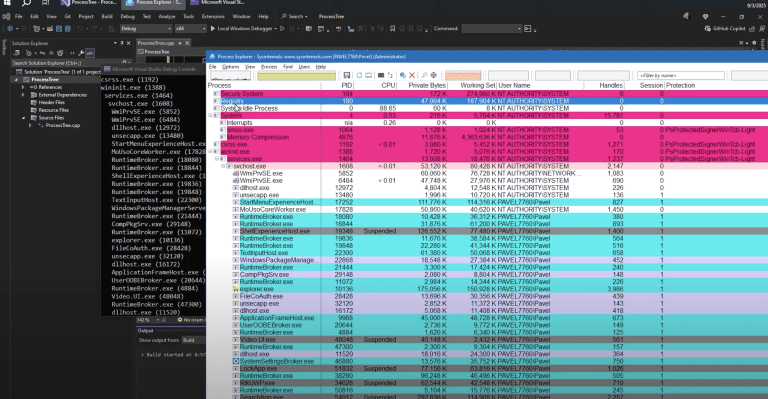
First, an attacker process creates a target process in a suspended state. At this point, only the original image and NTDLL are mapped, and no user code has executed yet.
Next, memory is allocated inside the target process for a replacement executable. The executable is rebased to match the allocated address, avoiding the need for a full manual loader.
The rebased image is then mapped and copied into the target process, including headers and all sections. For simplicity, all memory is marked as execute, read, and write, even though this is not ideal from a stealth perspective.
After that, the Process Environment Block is updated so the loader sees the correct image base. The entry point is written into the suspended thread context, and the thread is resumed.
At this point, the original executable image is still present in memory, but it is dormant. The replacement image is what actually runs.
This approach has clear limitations. Rebasing modifies the executable on disk. Memory protections are overly permissive. Error handling is minimal. Still, it is a useful experiment for understanding how process creation, image loading, and execution really work on Windows.
If you are interested in detection, evasion, or low level Windows internals, this kind of hands on exploration is valuable. The code is not the point. The mechanics are.


Why This Matters for TrainSec Students
For TrainSec students, this example is important not because it is a perfect injection technique, but because it forces you to understand how Windows really works below the surface.
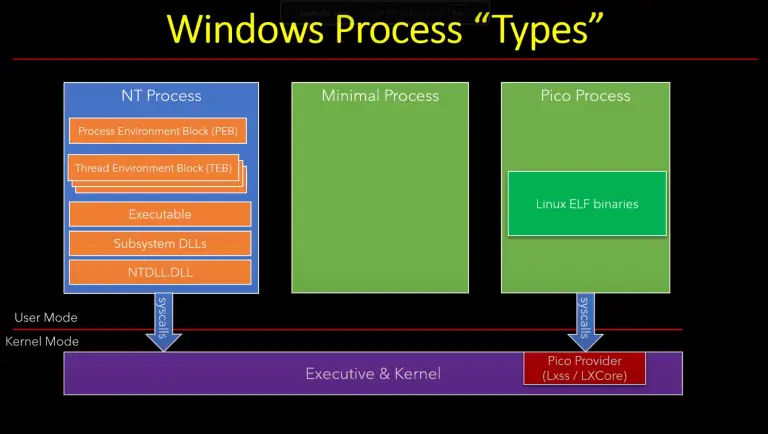
Many people learn process hollowing as a checklist of API calls. That approach often hides the real mechanics. In this variant, you are exposed to the actual building blocks: how a process is created, how images are mapped, how the PE structure is laid out in memory, how the loader relies on the PEB, and how execution flow is controlled through thread context.
This kind of understanding is critical for several roles.
For malware researchers, it shows why small changes in loading behavior can break assumptions made by static and dynamic analysis tools.
For detection and EDR engineers, it highlights why relying only on classic hollowing patterns is not enough. The original image is still present, memory layout looks mostly normal, and execution happens elsewhere.
For reverse engineers, it provides a concrete example of how loaders, rebasing, and section mapping interact, which helps when debugging crashes, unpacking malware, or analyzing custom loaders.
For exploit developers and low level Windows developers, it reinforces the idea that Windows APIs are only part of the story. The real behavior depends on internal structures like the PEB, NT headers, and thread state.
TrainSec courses focus on building this mental model. Once you understand these internals, techniques like hollowing, injection, and evasion stop being magic tricks and start becoming engineering problems you can reason about, improve, and detect.
This is exactly the gap TrainSec aims to close.
Keep Learning with TrainSec
This content is part of the free TrainSec Knowledge Library, where students can deepen their understanding of Windows internals, malware analysis, and reverse engineering.Subscribe for free and continue learning with us: https://trainsec.net/library