Linux Internals for Windows Professionals is a live Linux internals course by Pavel Yosifovich, co-author of Windows Internals, 7th Edition, Part 1. It explains how Linux works from the inside: the shell, system calls, processes, memory, threads and inter-process communication, building up to loading and debugging a Linux kernel module, with Windows comparisons where they help.
Most Windows experts hit the same wall when Linux enters the picture. The concepts are familiar, processes, threads, handles, virtual memory, drivers, but the names, tools and rules are different, and every unfamiliar detail slows you down.
This course closes that gap. Every Linux topic is anchored to the Windows concept you already understand, so you spend your time on what is actually different instead of relearning what is not. You will cover the shell, system calls, processes, memory, threads and inter-process communication, and build up to loading and debugging a kernel module.
Session dates: December 14, 17, 21 and 28, 2026, and January 4, 7, 11 and 14, 2027. Every session is recorded, so if you miss one you can catch up on the recording, and you keep lifetime access to all of them.
or $157 X 10 installments
Early bird registration: 25% off (Until 22 November).


32 hours
8 live sessions
12
Modules
Live Q&A
Interact with Pavel
Lifetime
Access to the recordings
Linux-first
With Windows comparisons where they help
Certification
Credly certificate of attendance
This is a live course. You learn directly from Pavel, ask questions as they come up, and interact with him throughout the sessions. Every attendee gets lifetime access to the recordings and a Credly digital certificate as proof of attendance.
Programming is kept to the essentials. You will mostly read, run, trace and modify small C programs. Observation and debugging tools are used throughout, with GDB as the main one: first for user-space programs, and then for the kernel.
The live course runs over eight 4-hour sessions, 32 hours in total, from Monday, December 14, 2026 to Thursday, January 14, 2027. All sessions are from 11:00 to 15:00 Eastern Time (New York), which is 16:00 to 20:00 UTC, 17:00 to 21:00 in Central Europe, 18:00 to 22:00 in Israel and 08:00 to 12:00 US Pacific.
Session dates: December 14, 17, 21 and 28, 2026, and January 4, 7, 11 and 14, 2027. Every session is recorded, so if you miss one you can catch up on the recording, and you keep lifetime access to all of them.
No prior Linux experience is needed.
Learn Linux from the person who wrote the book on Windows internals. Pavel brings the same approach that made his Windows courses and books practical and accessible.
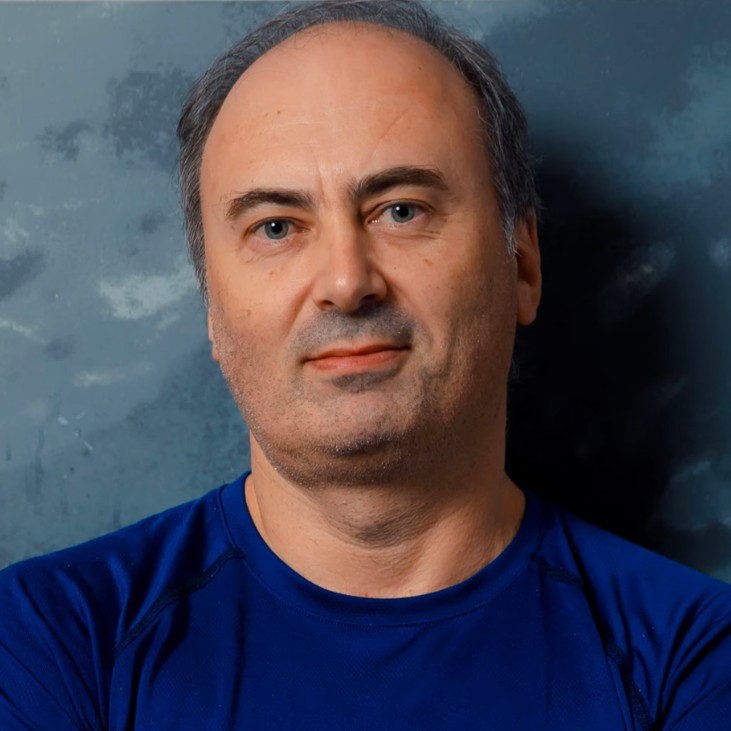
Pavel Yosifovich is a software developer, trainer, consultant, author and speaker with over 25 years of experience. He is the co-author of Windows Internals, 7th Edition, Part 1 and the author of Windows Kernel Programming, Windows 10 System Programming and Windows Native API Programming. One of the world’s foremost experts on Windows internals, Pavel is known for making complex low-level topics practical and accessible.
Helpful but not required: experience with WinDbg or another debugger, experience with Sysinternals tools, basic x86-64 assembly familiarity, prior exposure to Linux or WSL.
New to Windows internals concepts? Start with TrainSec’s Windows Internals courses.
Twelve modules take you from your first shell command to a live kernel debugging session. The final module is optional and covered if time permits.
Get comfortable at the Linux command line: navigation, pipes, permissions, job control and basic scripting.
Follow a system call from a program to the kernel, and learn to read and trace Linux executables.
See how Linux creates, runs and ends processes, and inspect them live through /proc.
Understand the descriptor abstraction behind files, pipes and redirection, and how it compares with Windows handles.
Learn how signals are delivered, handled and masked, and how they tie into job control.
Pick up GDB through the WinDbg habits you already have, from breakpoints to core dumps and scripting.
Connect processes with pipes, shared memory, message queues and Unix domain sockets, and observe them on a live system.
Learn what threads share, how the main locks and the futex work, and how to debug concurrency bugs.
Map the Windows virtual memory model onto Linux, from page faults to overcommit and the OOM killer.
Cross into the kernel: build, load and unload a module, read the kernel log and expose data through /proc.
Build the Linux counterpart of a simple driver, handling read, write and ioctl requests.
Boot a debug kernel, attach GDB, set breakpoints in your module and read kernel crash reports. Covered if time permits.
It is a live course, taught by Pavel Yosifovich in eight 4-hour sessions (32 hours) between December 14, 2026 and January 14, 2027. You can ask questions and interact with him during the sessions. The sessions are recorded, and every attendee gets lifetime access to the recordings. Once the live run is over, the recordings are also offered as a self-paced course with lifetime access.
Yes. Attendees receive a Credly digital certificate to prove their attendance.
No. The course starts with the bash shell and builds up from there. What you do need is a working understanding of Windows internals: processes and threads, handles, virtual memory, user mode versus kernel mode, and what a device driver is.
You need to be able to read C: structs, pointers and function calls. Programming is kept to the essentials. Most of the time you will read, run, trace and modify small programs rather than write large ones from scratch.
A Linux environment you can experiment in: WSL on Windows, or Ubuntu or another Debian-based distribution in a VMware, Hyper-V or VirtualBox virtual machine. Give the virtual machine at least 2 GB of RAM and 40 GB of disk space.
Yes. Attendees get the slides, the sample code and the C programs used in class.
Module 6 is written for Windows debugger users. It introduces GDB through the WinDbg concepts you already know, and GDB is then used throughout the rest of the course, including for the kernel.
Yes. Modules 10 and 11 build, load and debug a basic kernel module and a character device, with the kernel log and /proc interfaces. Module 12, kernel debugging with GDB and QEMU, is covered if time permits.
There are eight sessions, each from 11:00 to 15:00 Eastern Time (16:00 to 20:00 UTC, 17:00 to 21:00 Central Europe, 18:00 to 22:00 Israel, 08:00 to 12:00 US Pacific):
Yes. Understanding processes, memory, file descriptors, signals and the system call interface is the base for analyzing Linux systems and binaries. The course gives you the mental model and the tools to investigate a running Linux system.
$1,500, or 10 monthly payments of $157. Register by Sunday, November 22, 2026 to get the early-bird price: 25% off, $1,125, with code LINUX-EARLYBIRD (the Enroll Now button applies it for you).
Every session is recorded, and you get lifetime access to the recordings. You can catch up on any session you miss.
